Why Your AI Agent Keeps Breaking the Same File
Agents that loop on the same file usually have a context or instruction problem, not a model problem. Here is how to diagnose and fix it.
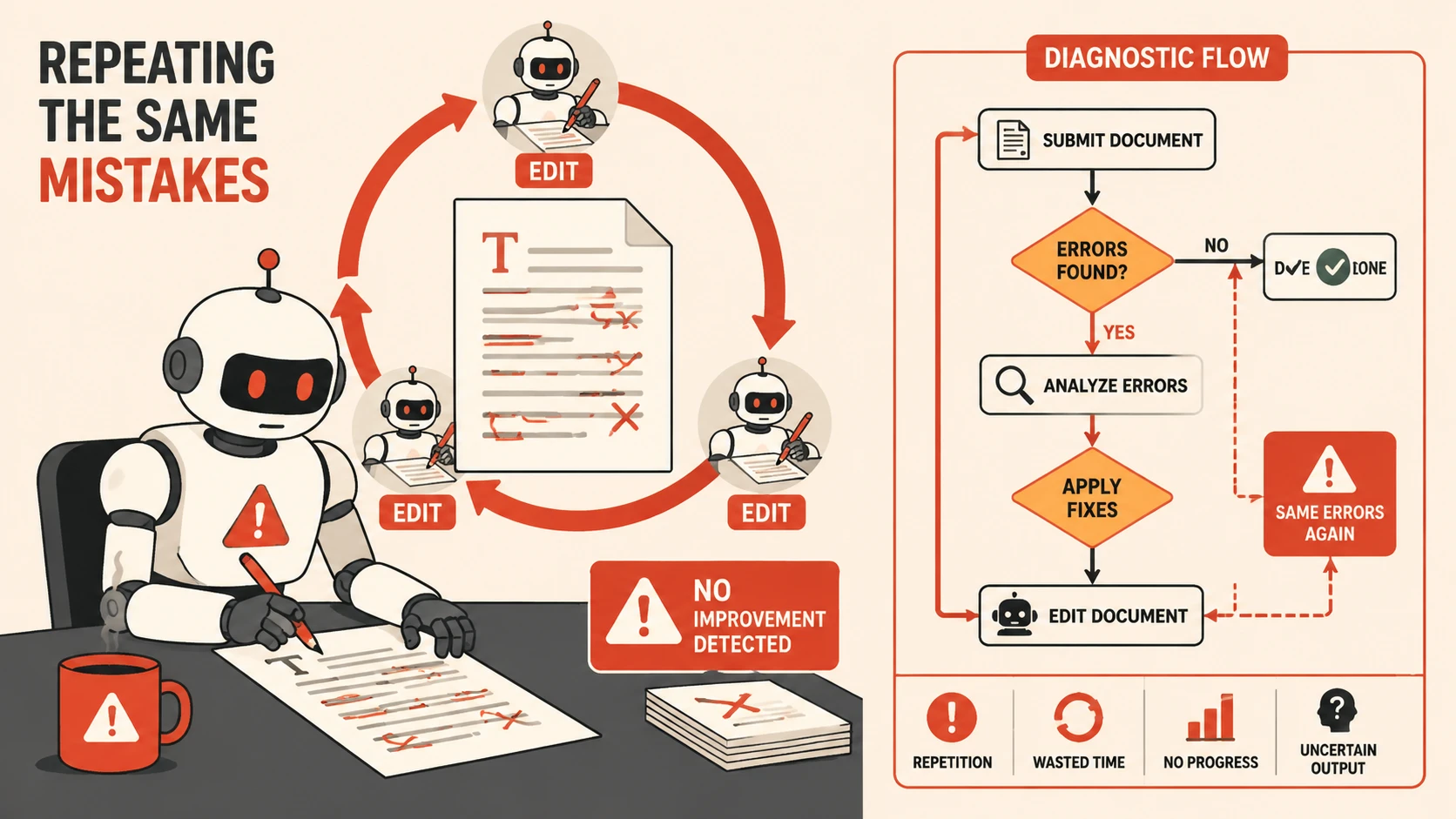
There is a specific failure mode that shows up regularly when using AI coding agents: the agent edits the same file two, three, sometimes four times in a row, and each edit either reverts something the previous edit fixed, introduces a new problem, or makes a change that is clearly not what you asked for.
When this happens, the instinct is to blame the model. In practice, the model is almost never the root cause. The problem is almost always in how the session is structured.
The Three Causes
After working through this pattern many times, I have found it comes from three distinct sources:
1. The agent did not read the file before editing it.
This is the most common cause. The agent produces an edit based on its prior context — what it read earlier in the session, what it inferred from related files, what it assumed from the error message — rather than from the current state of the file. If the file has already been partially edited, the agents mental model of it is stale.
You can usually spot this by watching the tool calls. If the agent calls an edit tool without a preceding read of the same file, it is working from a cached assumption.
2. The instruction is ambiguous at the point of conflict.
The agent understands the general intent but hits a specific decision point where the instruction does not say what to do. Rather than stopping to ask, it makes a guess, the guess is wrong, you correct it, and then the agent makes a different guess on the next attempt — often reverting to its original approach because that is what the instruction implied.
This shows up as a back-and-forth where the agent oscillates between two versions of the same change.
3. The context window is carrying a contradiction.
Earlier in the session, the agent read something — a comment, a type definition, a test — that conflicts with what you are now asking it to do. The agent is trying to satisfy both constraints simultaneously and failing. Each edit attempts a different resolution of the same underlying conflict.
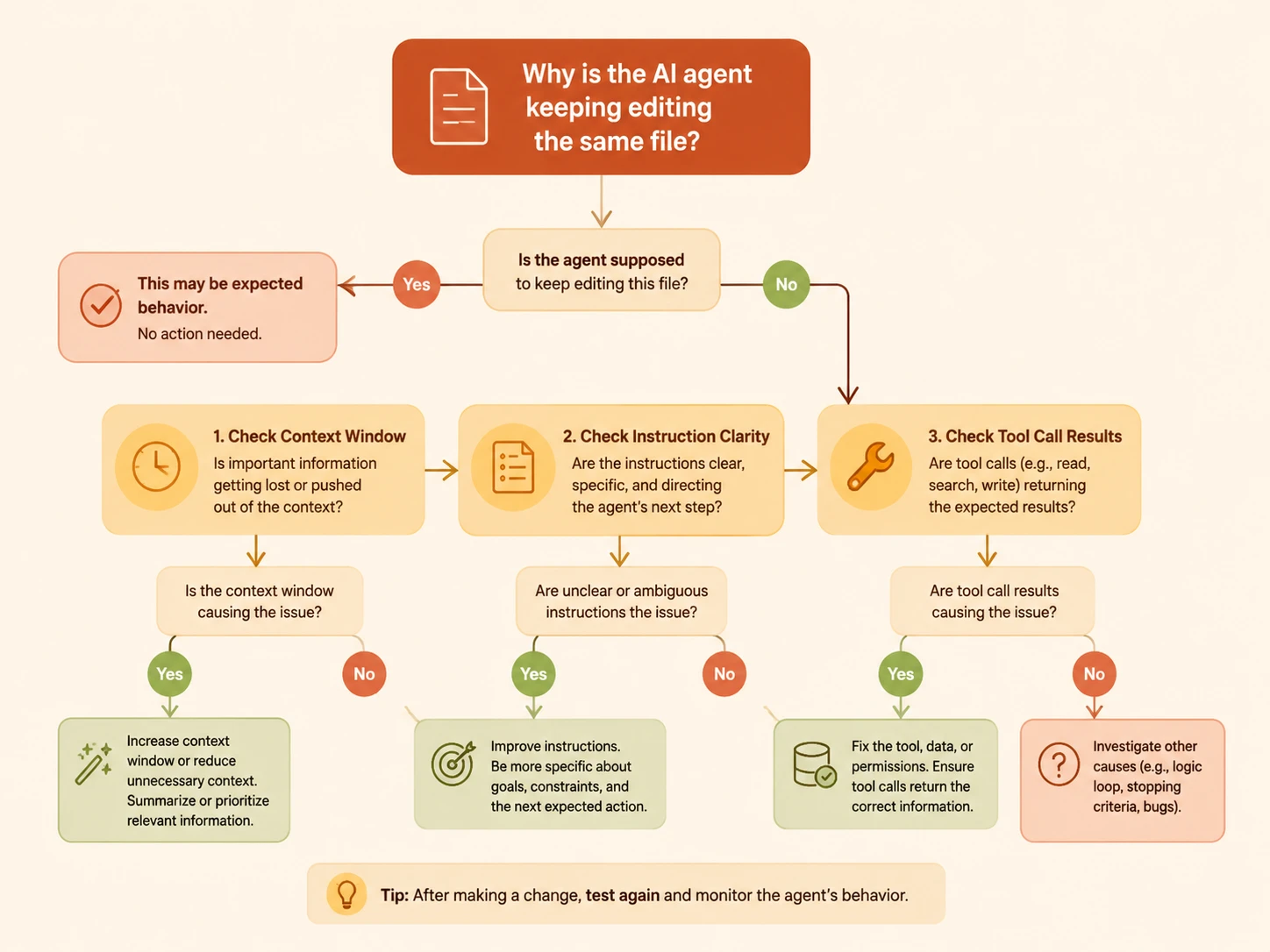
How to Diagnose Which One You Have
Start by looking at the sequence of tool calls, not the output. Most agentic coding tools show you what the agent did step by step.
- If you see edit without a preceding read: cause 1. Stop, tell the agent to read the file first, then re-attempt.
- If the edits are oscillating between two similar states: cause 2. Write a more specific instruction that covers the exact decision point. Do not just rephrase — add the constraint the agent is missing.
- If the edits keep changing but none of them are what you want: cause 3. This is the hardest to fix mid-session. The most reliable solution is to start a new session with a cleaner context.
Fixing It Without Starting Over
For causes 1 and 2, you can usually recover without restarting:
Stop. Read middleware/auth.go from line 1 to the end.
Then tell me what the current validAPIKey function does.
Do not edit anything yet.
Forcing an explicit read-then-explain step before the next edit gives the agent a chance to sync its model to the actual file state. Once it can accurately describe what is there, the next edit is usually correct.
For cause 2, the fix is adding a concrete constraint:
The bearerToken function should check API keys first, then fall through to JWT.
Do not change the function signature. Do not add new parameters.
The JWT parsing block should remain unchanged.
The more specific you are about what should not change, the less room there is for the agent to guess.
When to Start Fresh
If you have tried the targeted fixes above and the agent is still looping, the session has accumulated too much conflicting context to recover cleanly. Starting a new session is faster than continuing to debug the existing one.
Before you close, note:
- The exact file and function that kept getting broken
- The constraint the agent kept missing
- The correct end state in concrete terms
Open the new session with that description upfront. You will reach a working edit faster than if you try to salvage the confused session.
The Underlying Principle
AI agents do not loop on the same file because they are broken or confused in a human sense. They loop because they are optimizing for coherence with everything in their context window, and something in that context is pointing in the wrong direction.
The fix is almost always to change what is in the context — by forcing a fresh read, by making the instruction more precise, or by starting clean. Retrying the same prompt with the same context rarely produces a different result.